

Setting Up Billing
Initial Billing Configuration
From your dashboard, select the Billing tab to set up your billing information and create your subscription.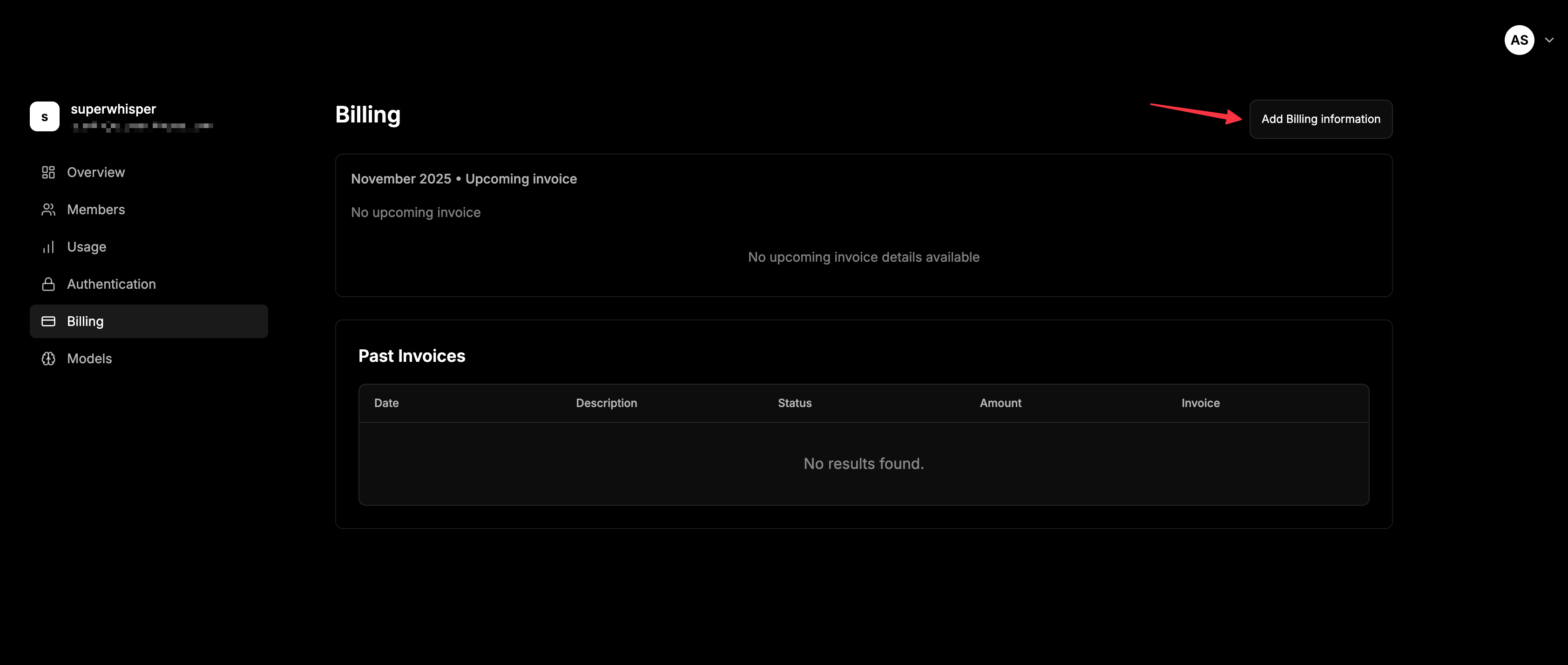
Seat-Based Pricing
Superwhisper Enterprise is seat-based:- Choose monthly or yearly billing when creating your subscription
- You’re charged for the number of seats purchased
- Purchase more seats to invite additional members
- Remove seats you aren’t using
Managing Your Subscription
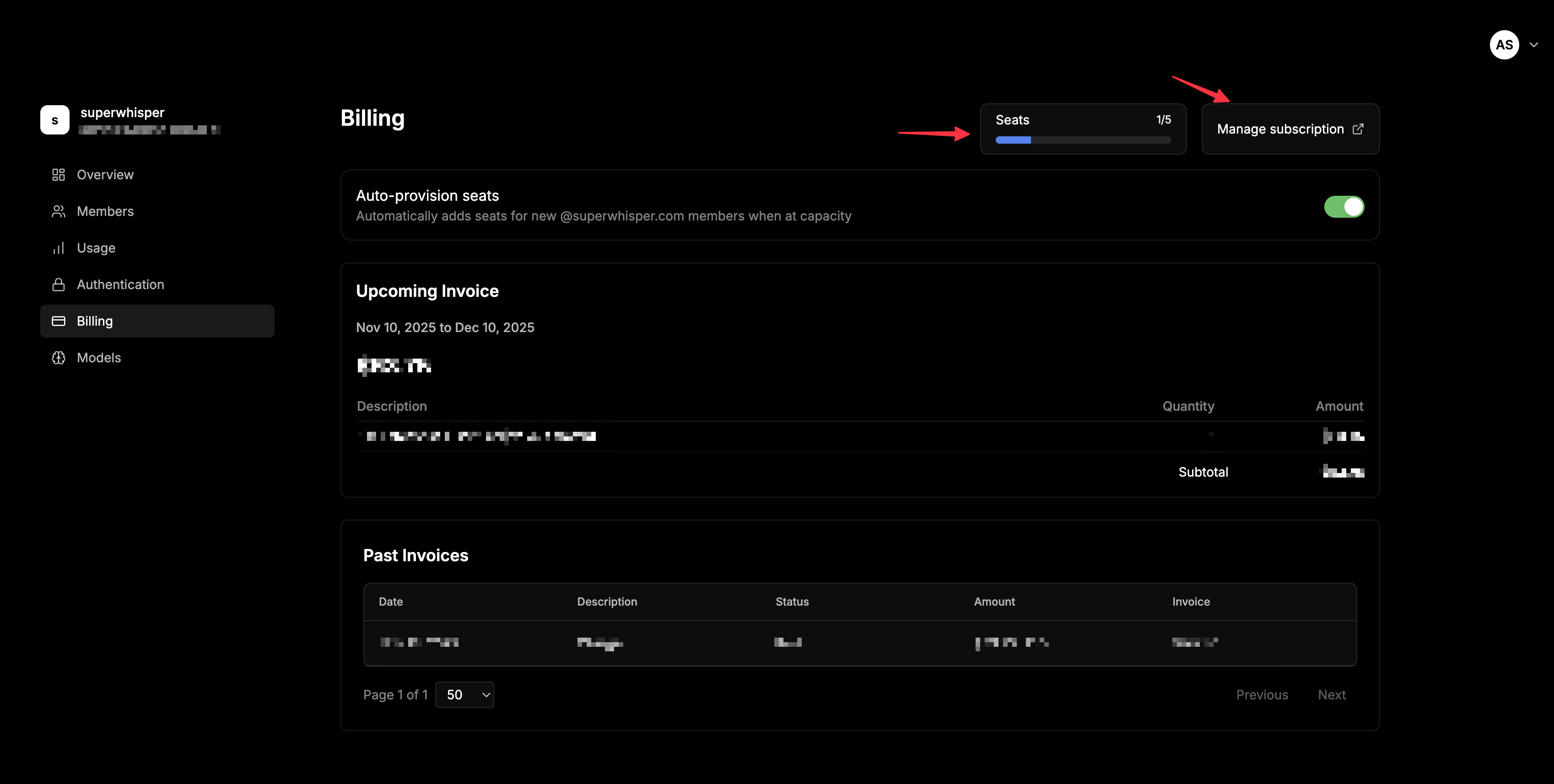
- View your current seat count and usage in the Billing tab
- Add or remove seats as your team size changes
- View billing history and upcoming charges in the Billing tab
Seat Auto-Provisioning
Once your subscription is created, toggle seat auto-provisioning in the Billing tab. When enabled:- New seats are added automatically when members try to join at capacity
- New team members can join without admin intervention
- No onboarding delays when seats run out
Keeping Costs Under Control
- Wire up SCIM deprovisioning so departing employees are removed automatically and their seats freed
- Quarterly seat audit: review the Members tab and remove anyone who hasn’t activated or hasn’t used the app in 60+ days
- Forecast before you add: use the in-dashboard billing calculator before bulk-inviting a new team
- Enable seat auto-provisioning if you’re scaling fast and don’t want to gate hires on a manual seat purchase
Related
- Member Management, seat roles and the offboarding flow
- SCIM Provisioning, automate deprovisioning to free seats